
Quick answer
Google Verified and the former badges
Google Screened and Google Guaranteed are now historical badge names. This comparison explains how their earlier category paths map to today's Google Verified badge.
- Google VerifiedThe current badge for eligible Local Services Ads advertisers that complete Google's required checks.
- Former badgesGoogle Screened and Google Guaranteed are historical names that Google replaced in October 2025.
- Money Back GuaranteeGoogle discontinued the reimbursement program as part of the badge transition.
Updated: Sep 8, 2026
Quick Summary:
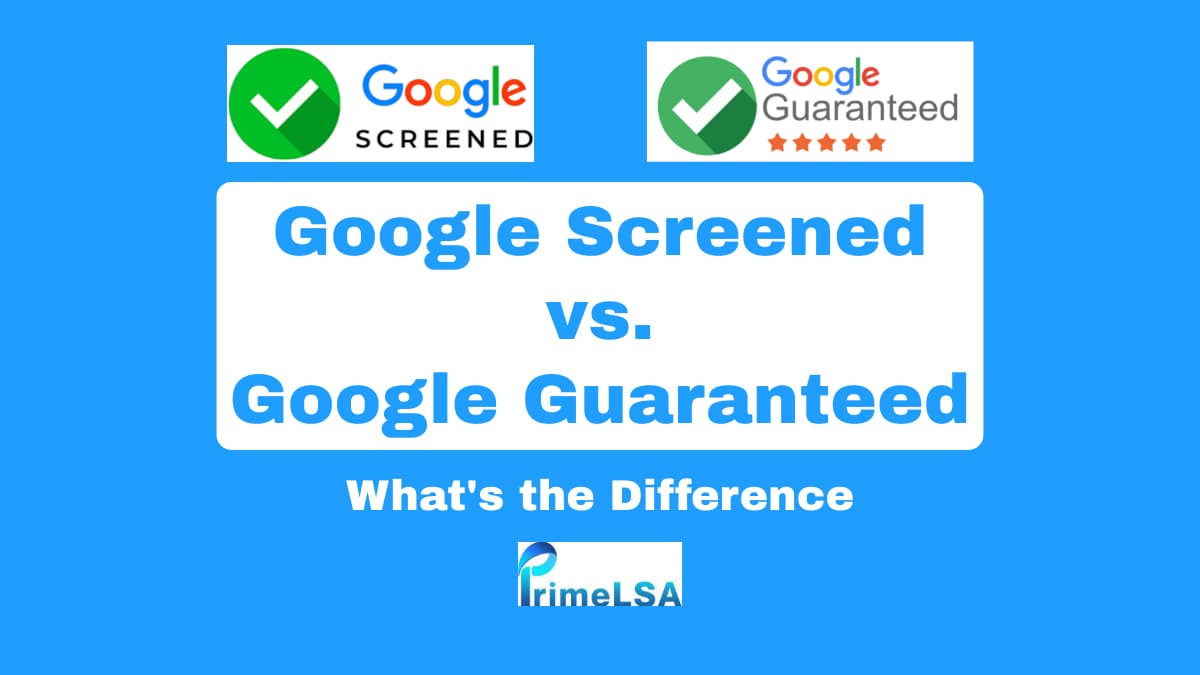
Google Verified is the current badge. Google Screened was the former badge name used for many professional-service categories.
Google Guaranteed was the former badge name used for many home-service categories. Google replaced it with Google Verified and discontinued the Money Back Guarantee.
Both badges enhance trust and visibility in local service ads, but which one is right for your business?
What Are Google Screened and Google Guaranteed?
Google Screened and Google Guaranteed are badges provided by Google to build trust and credibility for businesses in local service ads (LSAs).
These badges help customers easily identify businesses that have been thoroughly vetted by Google.
Google Screened : Typically used by professional services like lawyers , financial planners, and real estate agents. It signifies that the business has passed a background check but does not offer any financial guarantees to customers.
Google Guaranteed was commonly used by home service providers such as plumbers, roofers, electricians, movers, and HVAC specialists. These eligible categories now use Google Verified after completing the required checks.
Why Should Your Business Care About These Badges?
Having a Google Screened or Google Guaranteed badge can significantly boost your business’s visibility and trustworthiness.
When customers see these badges, they are more likely to choose your business over competitors without them. This can lead to more clicks on your ads, more leads , and ultimately, more business.
Detailed Comparison: Google Screened vs. Google Guaranteed
| Feature | Google Screened | Google Guaranteed |
|---|---|---|
| Industry Focus | Professional Services | Home Services |
| None | ||
| Business Location Verification | Not Always Required | Required |
| License & Background Checks | Required | Required |
| Appears in Google Assistant | No | Yes |
| Additional Guidelines | No | Yes |
Which Badge Is Right for Your Business?
The choice between Google Screened and Google Guaranteed usually depends on your industry. Google determines eligibility based on the type of services your business offers:
Google Screened : Best for professional service providers like lawyers, financial planners, real estate agents, etc.
Google Guaranteed : Ideal for home service providers like plumbers, electricians, and other contractors.
Industries Eligible for Google Screened and Google Guaranteed
| Google Screened | Google Guaranteed |
|---|---|
| Acupuncture | Appliance Repair |
| Animal Rescue | Carpentry |
| Auto Glass | Carpet & Upholstery Cleaning |
| Beauty School | Countertop Services |
| Child Care Services | Electrical |
| Dance Instruction | Fencing |
| Driving Instruction | Flooring |
| Financial Planning | Foundations |
| First Aid Training | Garage Door |
| Funeral Services | General Contracting |
| Language Instruction | Handyman |
| Lawyer | Home Inspection |
| Massage School | Home Security |
| Personal Trainer | Home Theater |
| Pet Adoption | House Cleaning |
| Pet Boarding | HVAC |
| Pet Grooming | Junk Removal |
| Pet Training | Landscaping |
| Preschool | Lawn Care |
| Real Estate | Locksmith |
| Tax Specialist | Moving |
| Tutoring | Pest Control |
| Veterinarian | Plumbing |
| Weight Loss | Pool Cleaning |
| Yoga Studio | Pool Contractor |
| Roofing | Sewage System Services |
| Siding | Snow Removal |
| Tree Services | Water Damage |
| Window Cleaning | Window Repair |
How Do Google Screened and Google Guaranteed Work?
Application Process :
Eligibility : Ensure your business meets Google's criteria for either program.
Background Checks : Both badges require thorough background checks for business owners and sometimes employees.
Verification : For Google Guaranteed, you must also verify your business location.
Approval and Display :
Once approved, the badges appear on your Local Service Ads, making your business more appealing to potential customers.
Benefits of Being Google Screened or Google Guaranteed
Increased Visibility : Businesses with these badges often appear at the top of search results, increasing the likelihood of customer engagement.
Enhanced Trust : The badges signal to potential customers that your business is reputable and has passed Google’s vetting process.
Former financial protection: Google discontinued the Money Back Guarantee. Current documentation limits reimbursement requests to qualifying services booked before December 7, 2025, subject to its deadline.
Is It Worth the Effort?
For many SMBs, the effort to obtain Google Verified status is worth it. The badge can differentiate your business from competitors, improve your online reputation, and lead to more business opportunities. Google Screened and Google Guaranteed are the former badge names.
Editorial note
Written by Arthur Z and last updated September 8, 2026. PrimeLSA keeps public guidance practical, Google Local Services Ads-specific, and connected to real account review.